


AI Workflow
How I designed, built and shipped this site with AI. Code, motion, mockups, hosting and SEO, by one designer, with no confidential data shared.
/ Overview
I designed this portfolio in Figma, then built and shipped it myself. AI was my toolkit for the code, the animations, the hosting, the testing and the SEO. This page shows how, and where I kept control.
/ Project details
1
designer, from Figma to a live domain
19
pages from one template
1
command to deploy
0
confidential figures shared with AI
From a Figma file to a live site, one person. With AI as the toolkit, the design, the build and the release can all sit with the designer.
Design the portfolio.
Design it, build it, ship it and keep it running.
Four tools, one person deciding. AI did the heavy lifting; every change went through me before it went live.
Figma
Every layout, cover concept and screen starts here, and the build reads the frames straight from the file.
An AI coding agent
Writes and edits the code, scripts the renders and runs the checks. I review every change.
An image model and Mockey
Photographic scenes from my layouts, and device mockups around real screens.
Git and my own hosting
Every change versioned, and one command to put it live on arunkumarrs.com.
From Figma
to production.
Each of these is work a front-end team would usually own. With AI as the toolkit, a designer can own it too, without giving up the quality bar.
Designed, then shipped
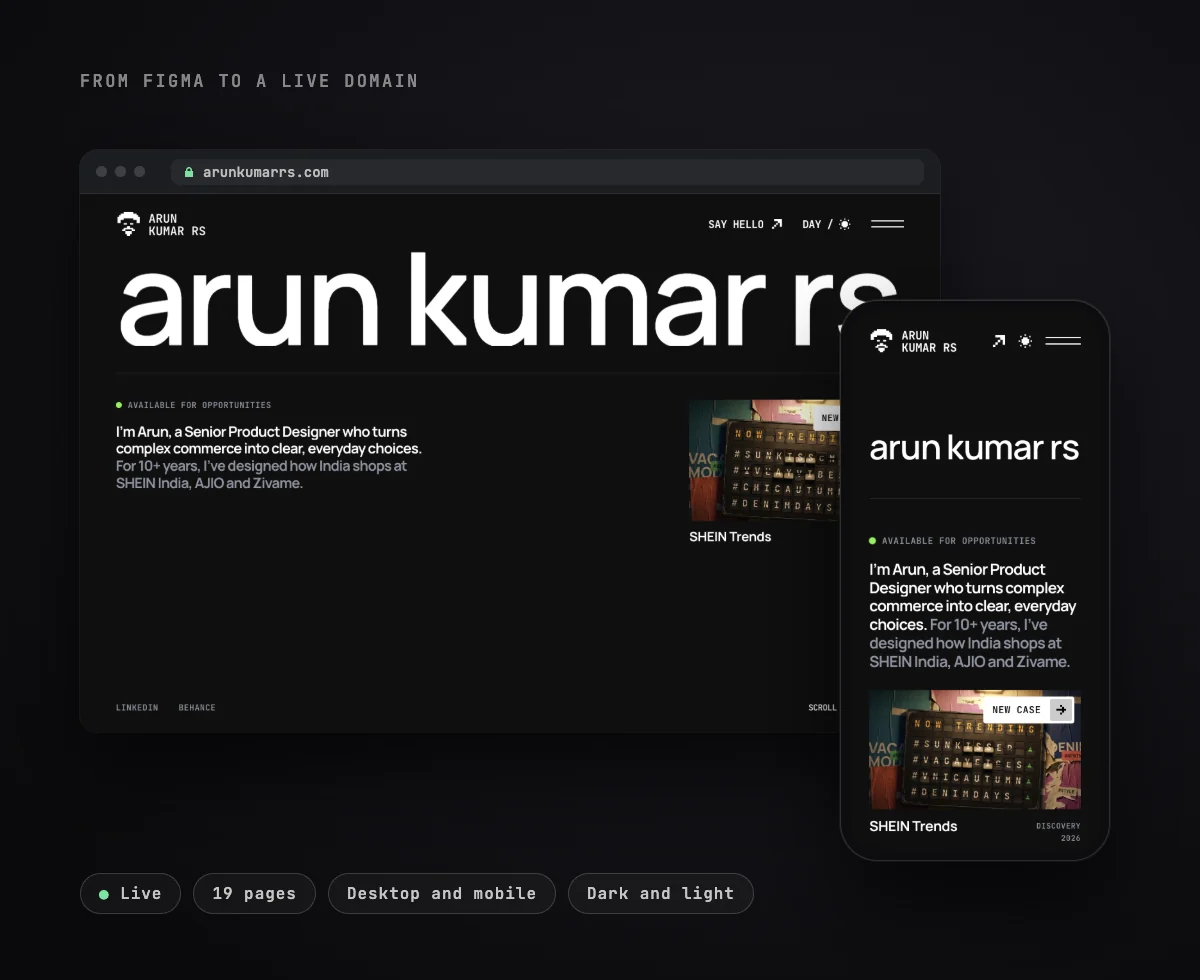
Nineteen pages, responsive on every screen, in dark and light, built up from a base template. It runs on my own domain and hosting, so every pixel and every line of code is mine to change.
One template, every case study
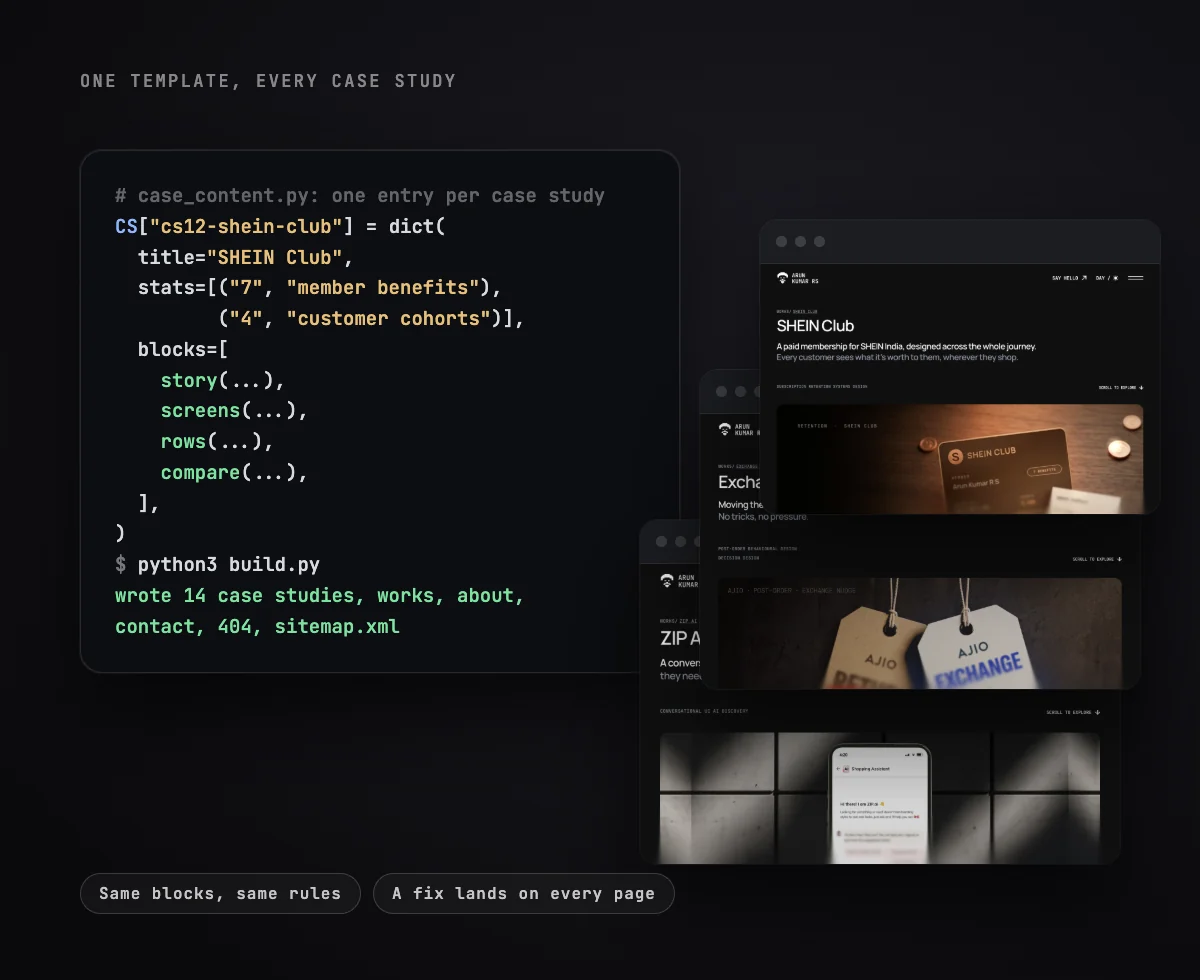
Each case study is one entry in a content file, and a generator builds the page from the homepage's own blocks. A change to a font, a spacing rule or a component lands on every page at once.
Concepts into images and motion
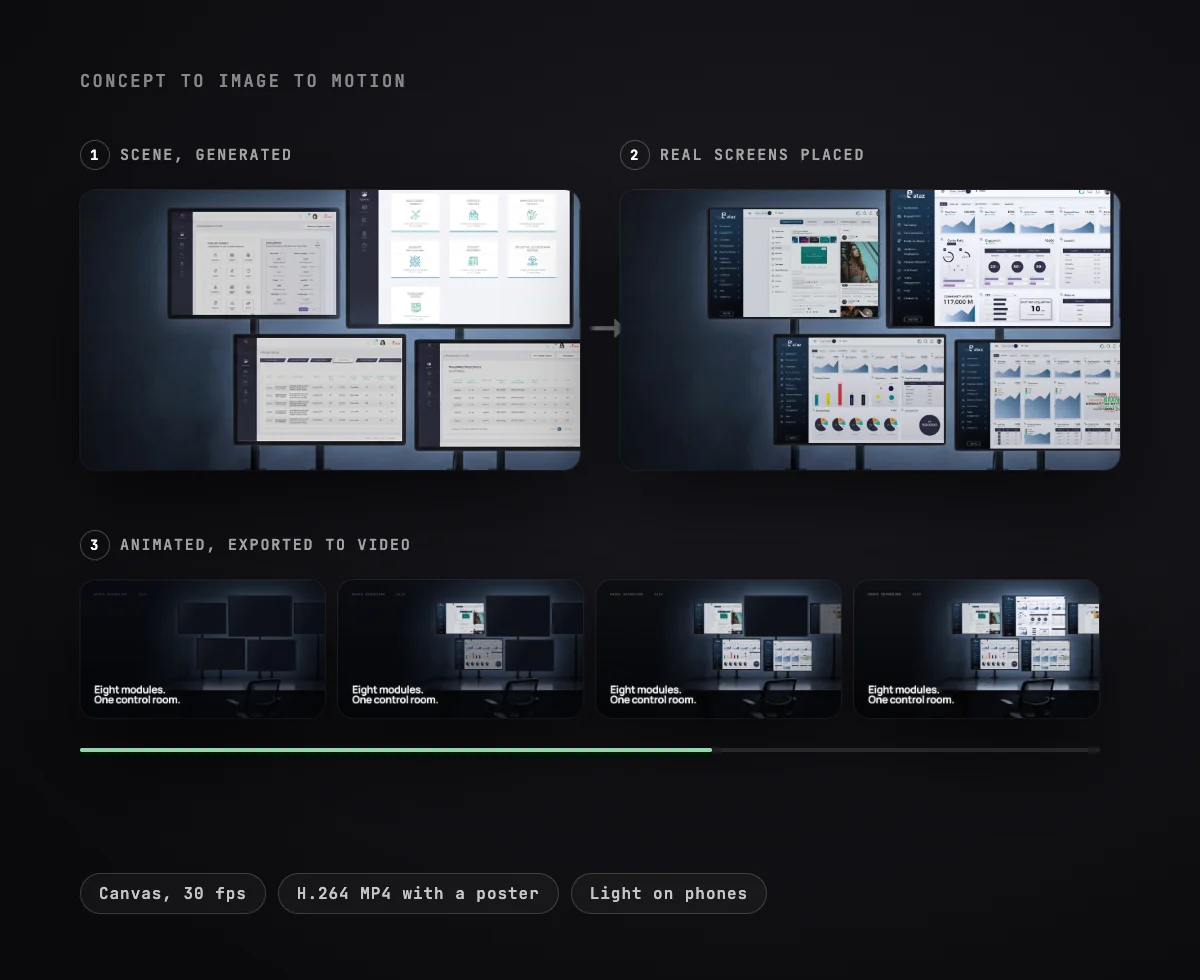
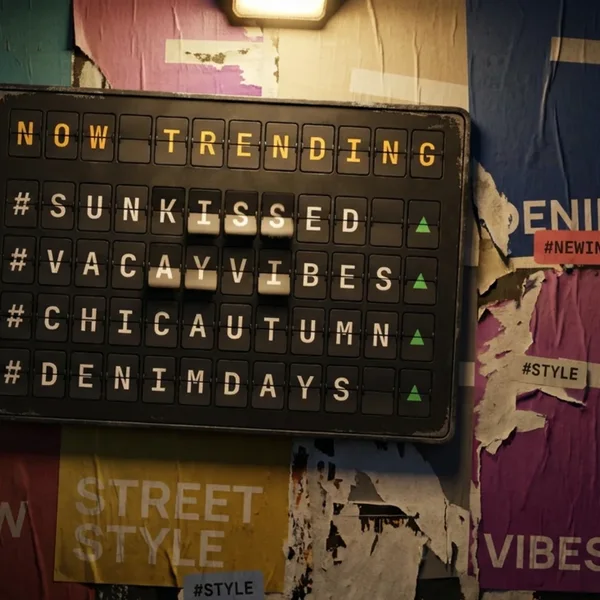
I set the scene in Figma, an image model renders it as a photograph, the real screens go onto it, and a script animates it. Exported as video with a poster, so it plays smoothly on phones too.
Mockups from real screens
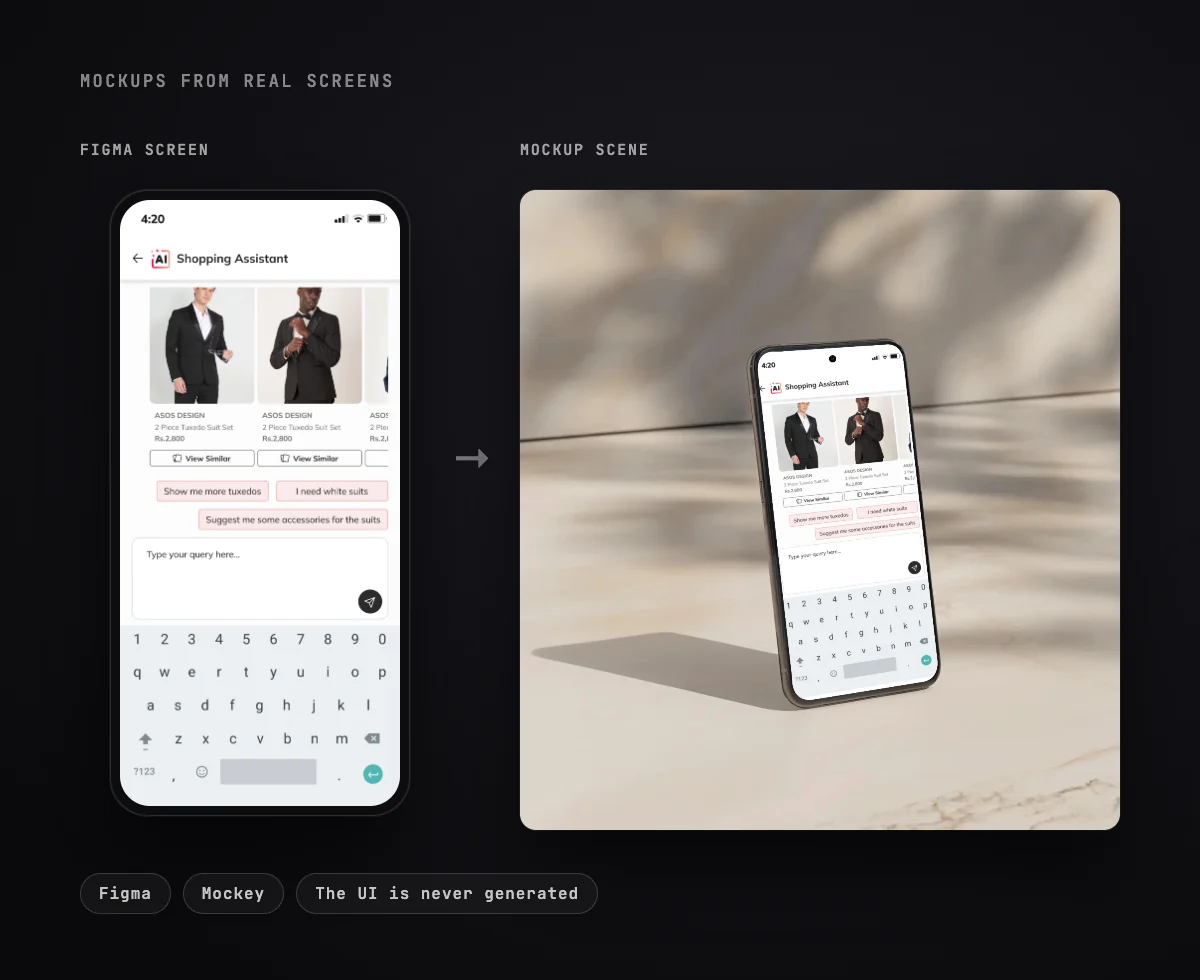
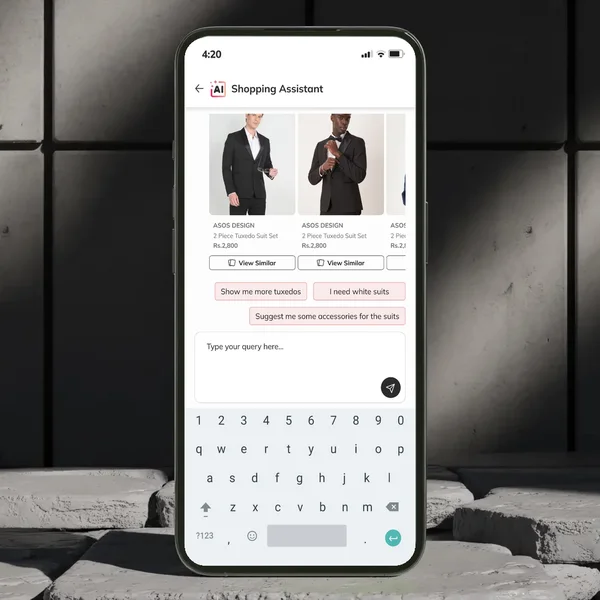
Device mockups made in Mockey around screens exported from Figma. The scene is generated; the UI never is.
Versioned, hosted, deployed
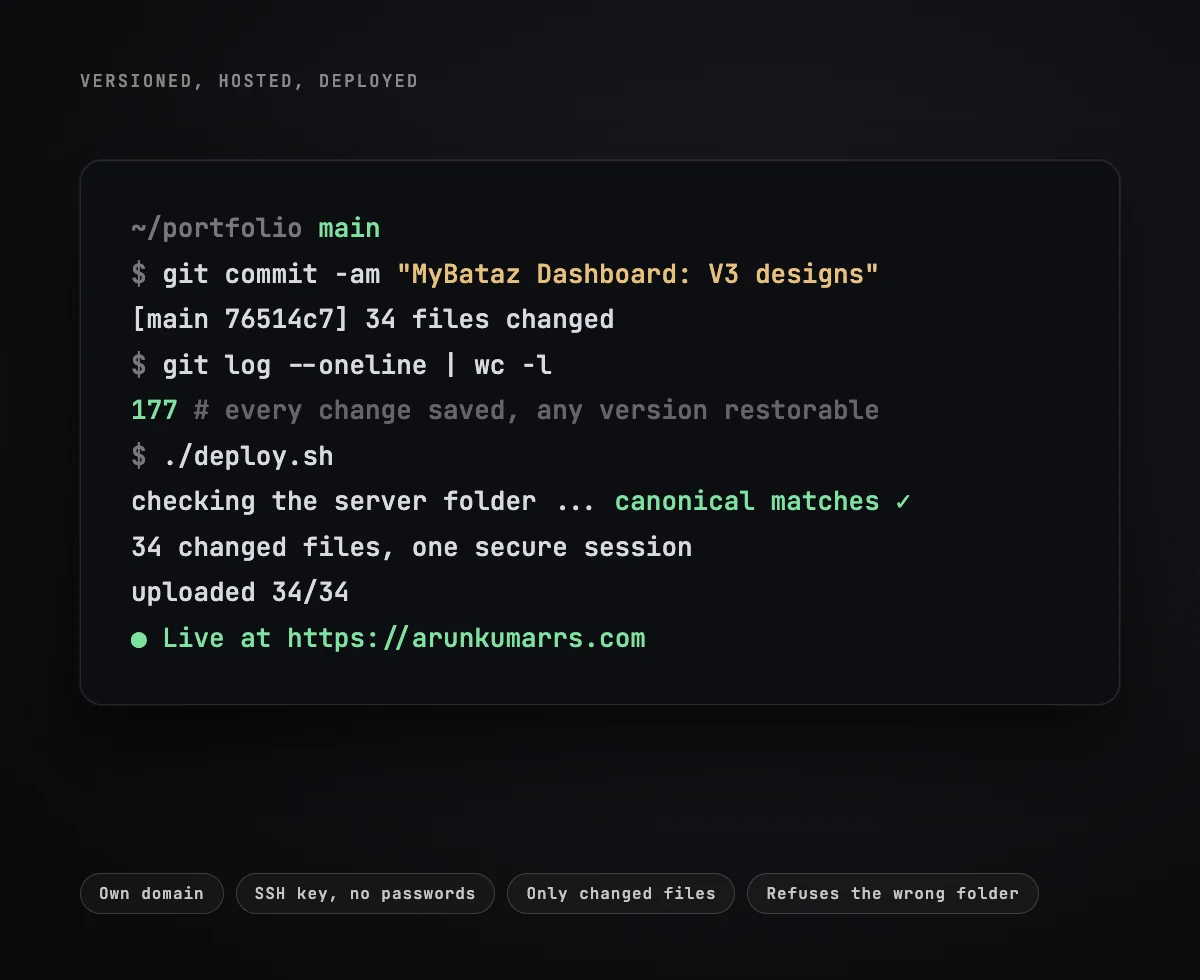
Every change is committed in Git, so any version can be restored. One command uploads only what changed, over SSH. Before it touches anything, it checks it is pointing at the right folder.
Tested like a release
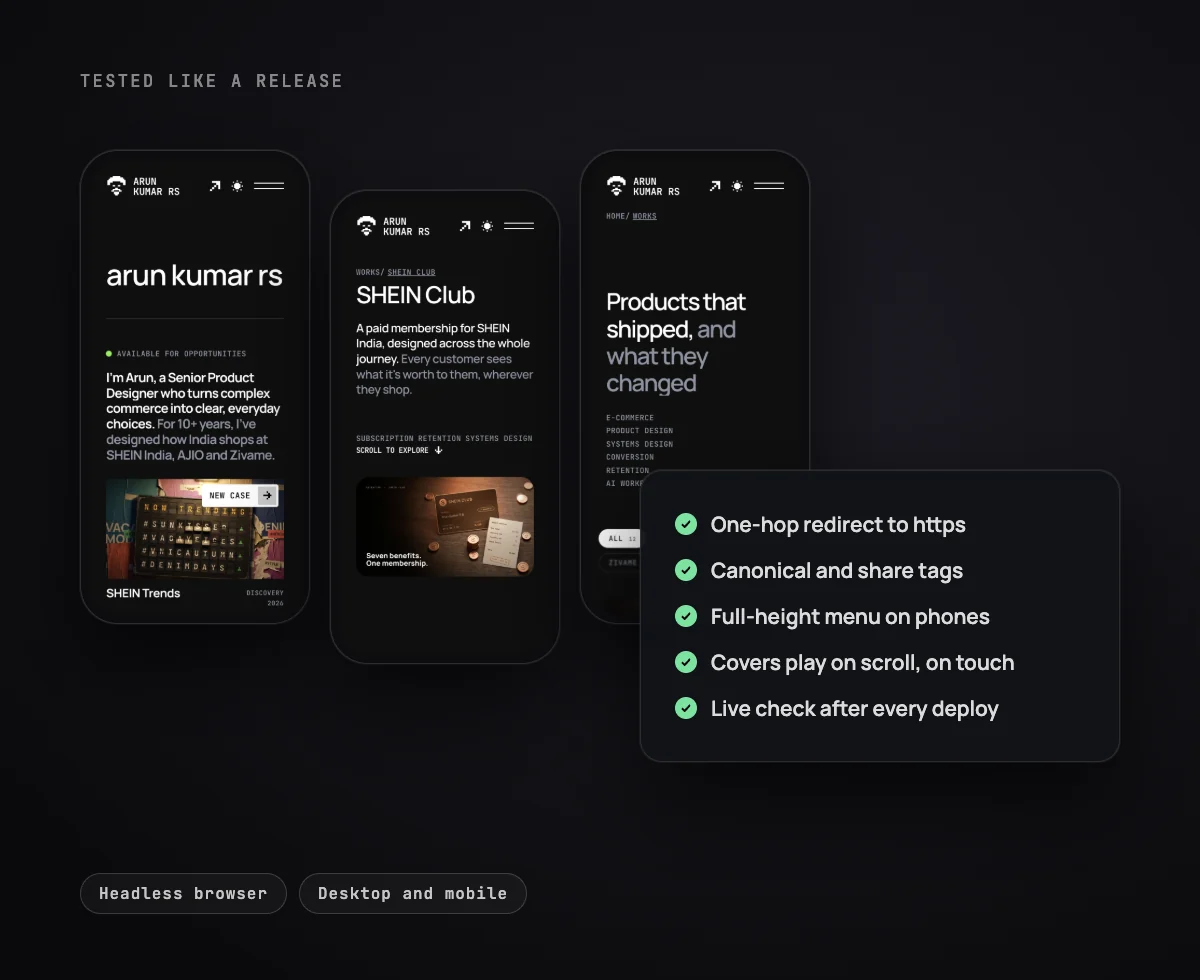
After each change, a headless browser walks the pages on desktop and mobile; after each deploy, the live site is checked. Redirects, share tags, the menu, and video playback on touch screens.
Built to be found
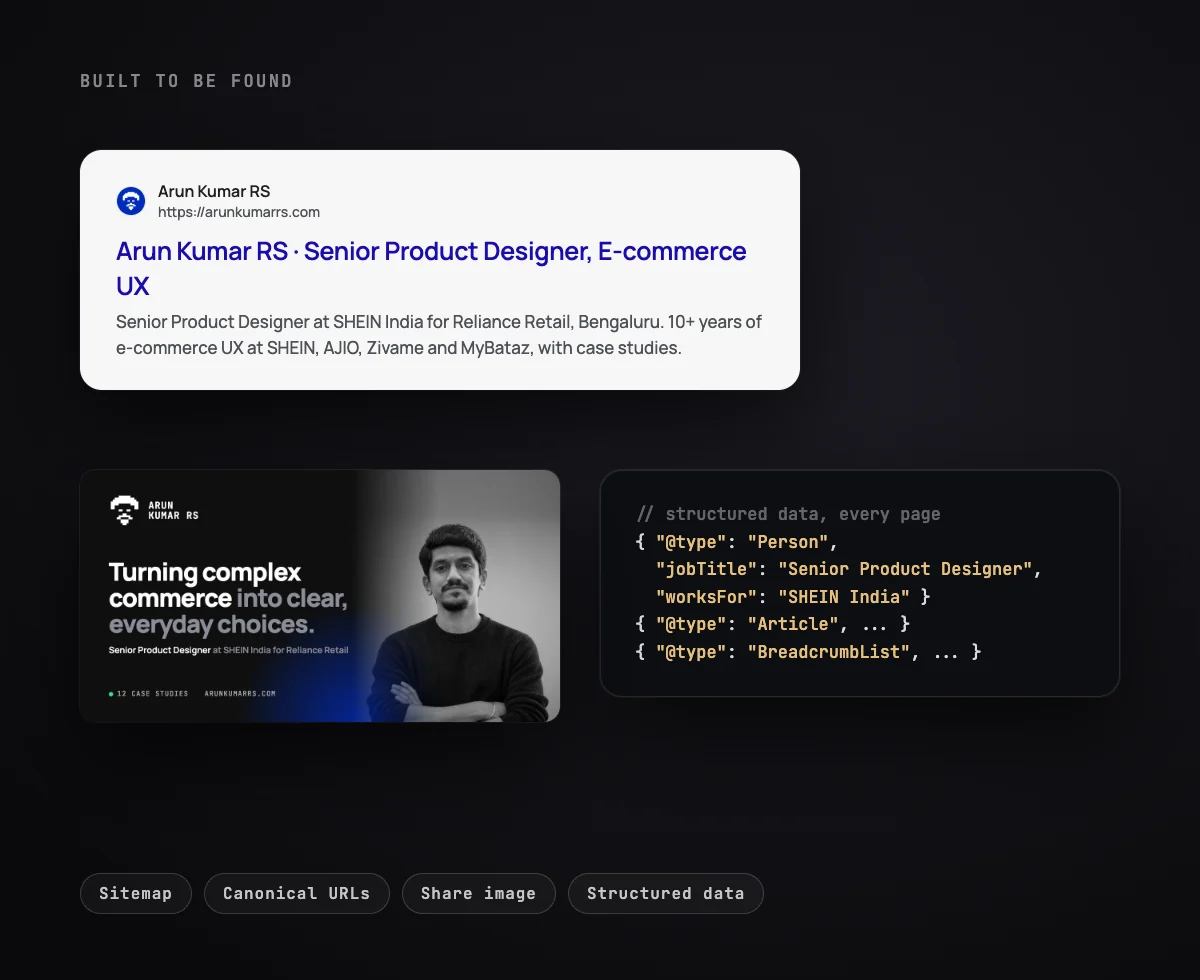
Canonical URLs, structured data on every page, a sitemap, a share image and a search-result logo. So the site reads correctly to search engines and in link previews.
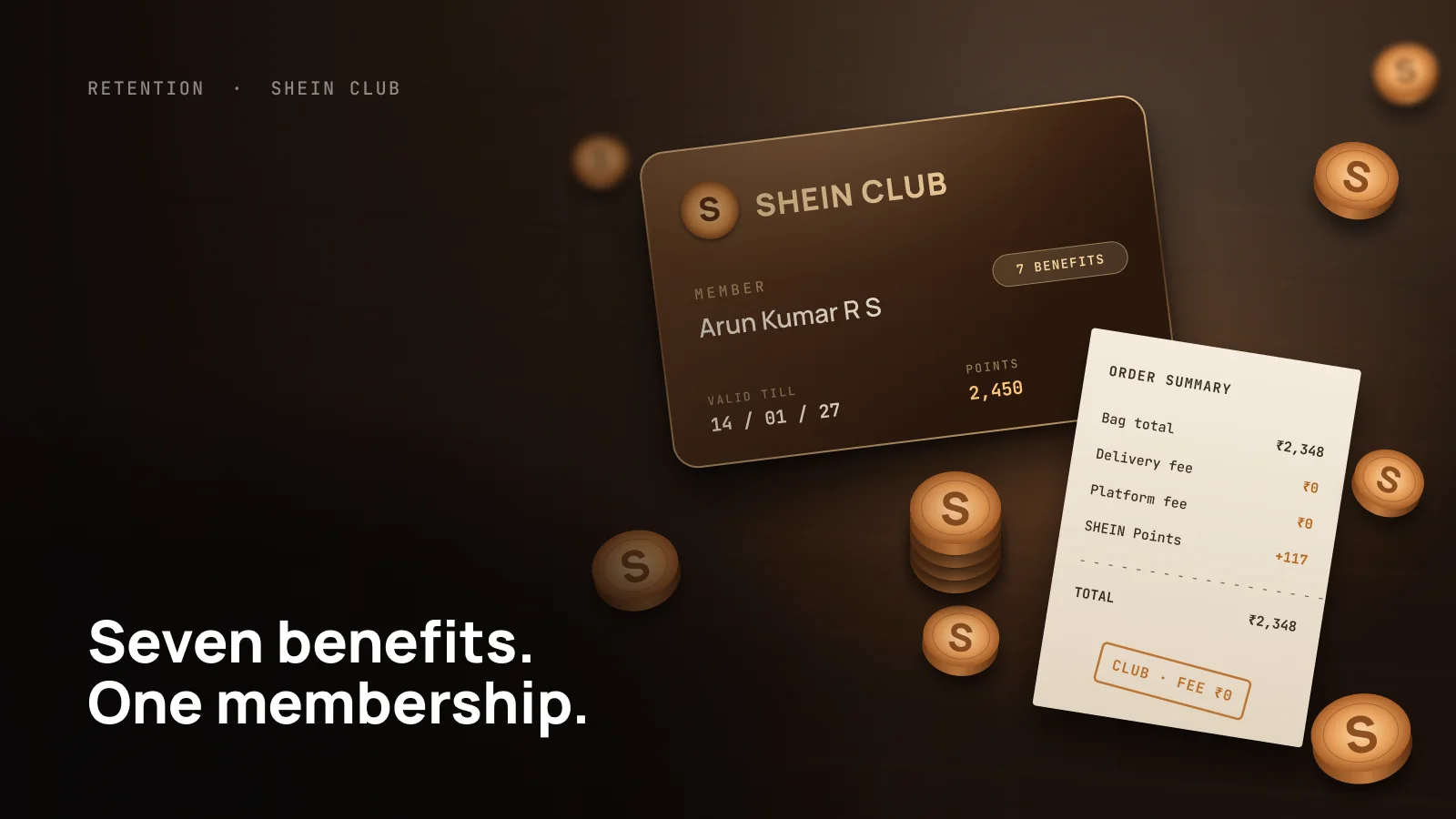
I set the composition. The model renders it.
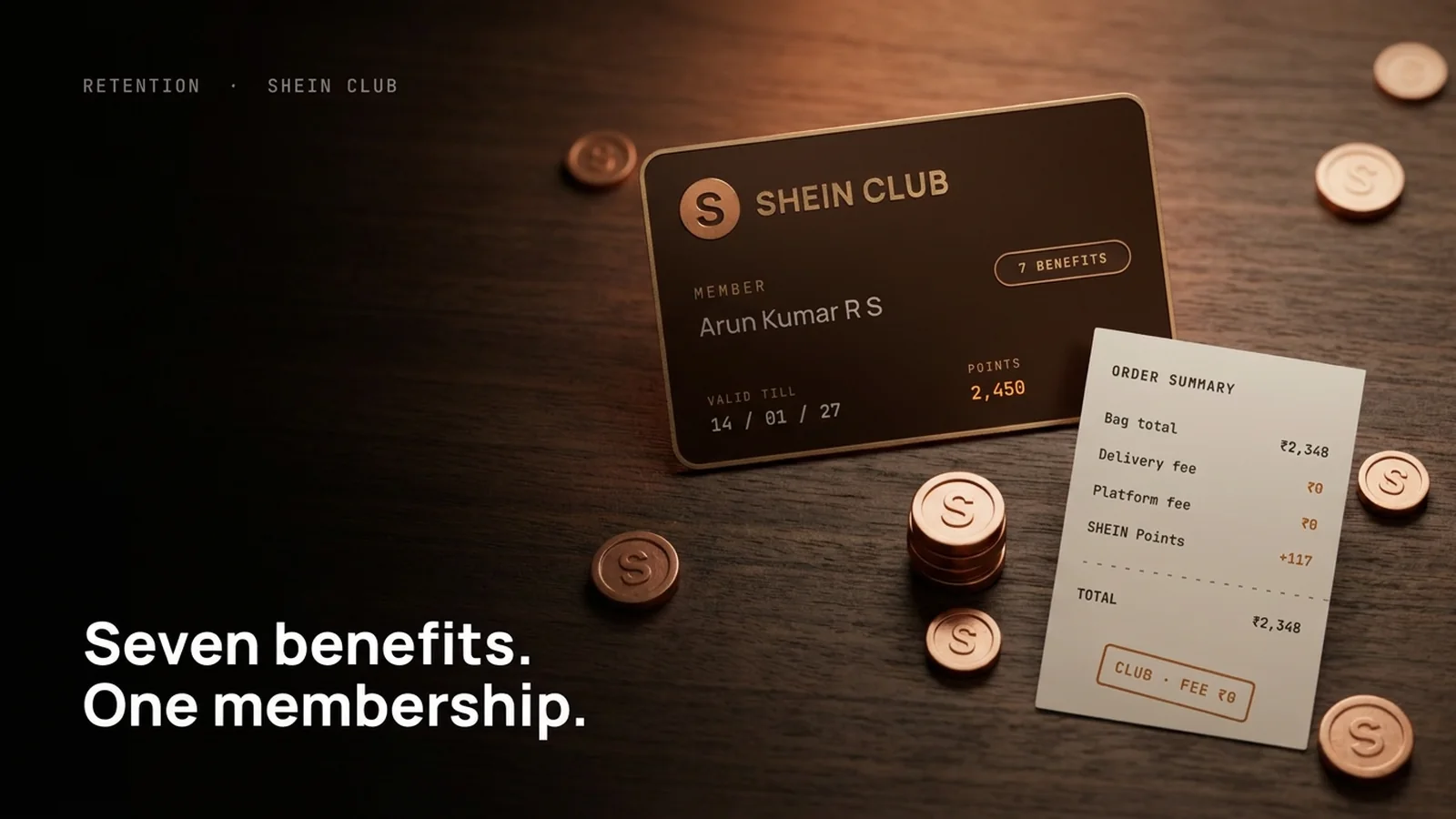
No confidential data went into any AI tool. That rule came before everything else.
Nothing internal shared
No dashboards, PRDs, internal documents or raw business data were given to AI.
Directional numbers only
Metrics were shared already rounded and directional (lakh+, crore+, growth rates), the same figures you read on this site.
A guard in the build
The page generator refuses to build if a blocked confidential figure appears anywhere.
The stories are mine
Each case study comes from my own work and is told in my words. AI helped polish the language, never the substance.
AI is fast and confident, and sometimes wrong. These were caught in review, before anything went live.
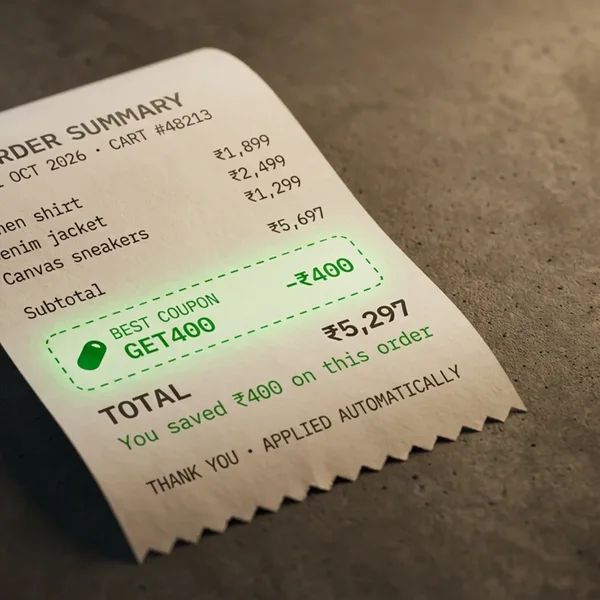
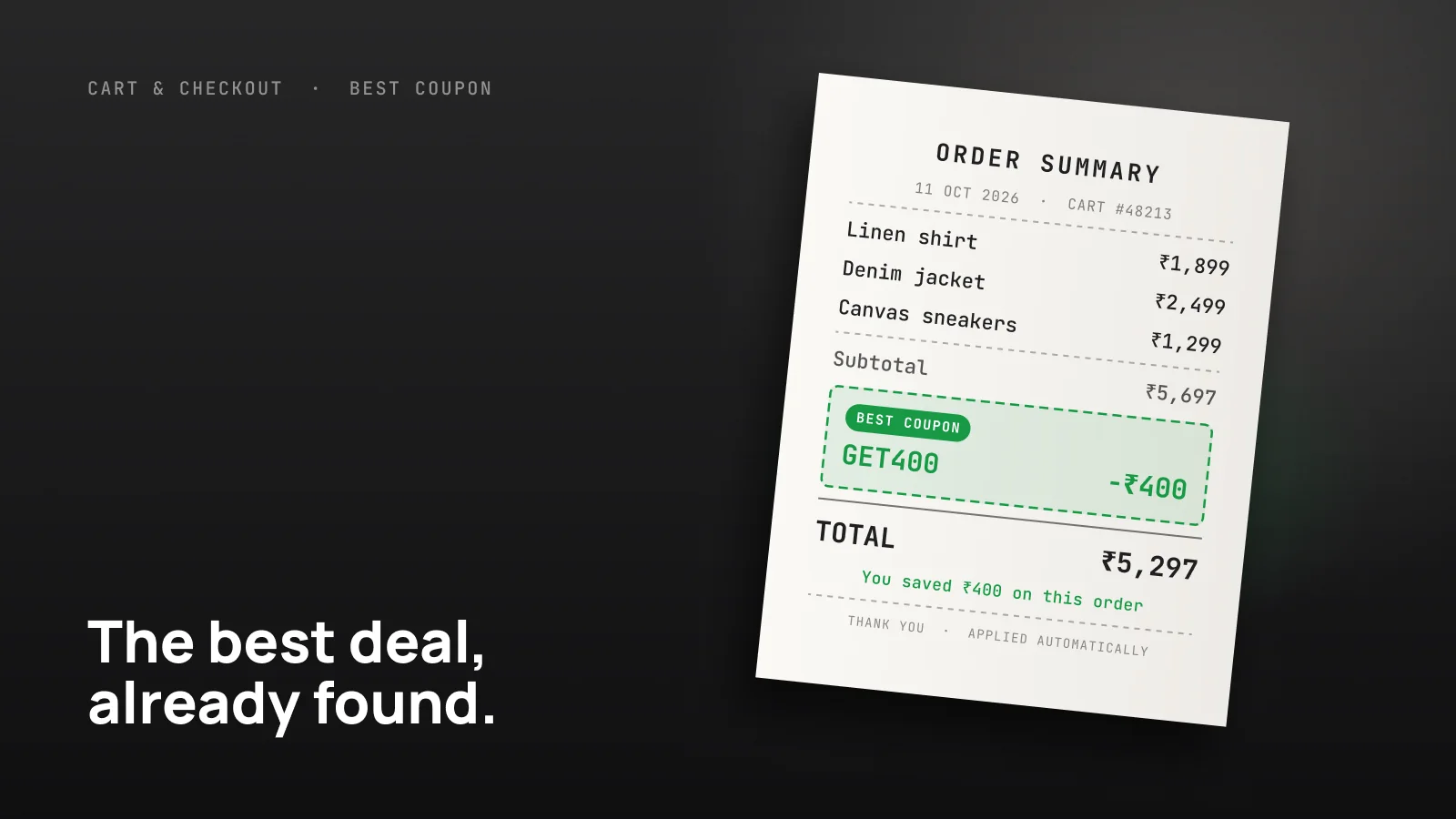
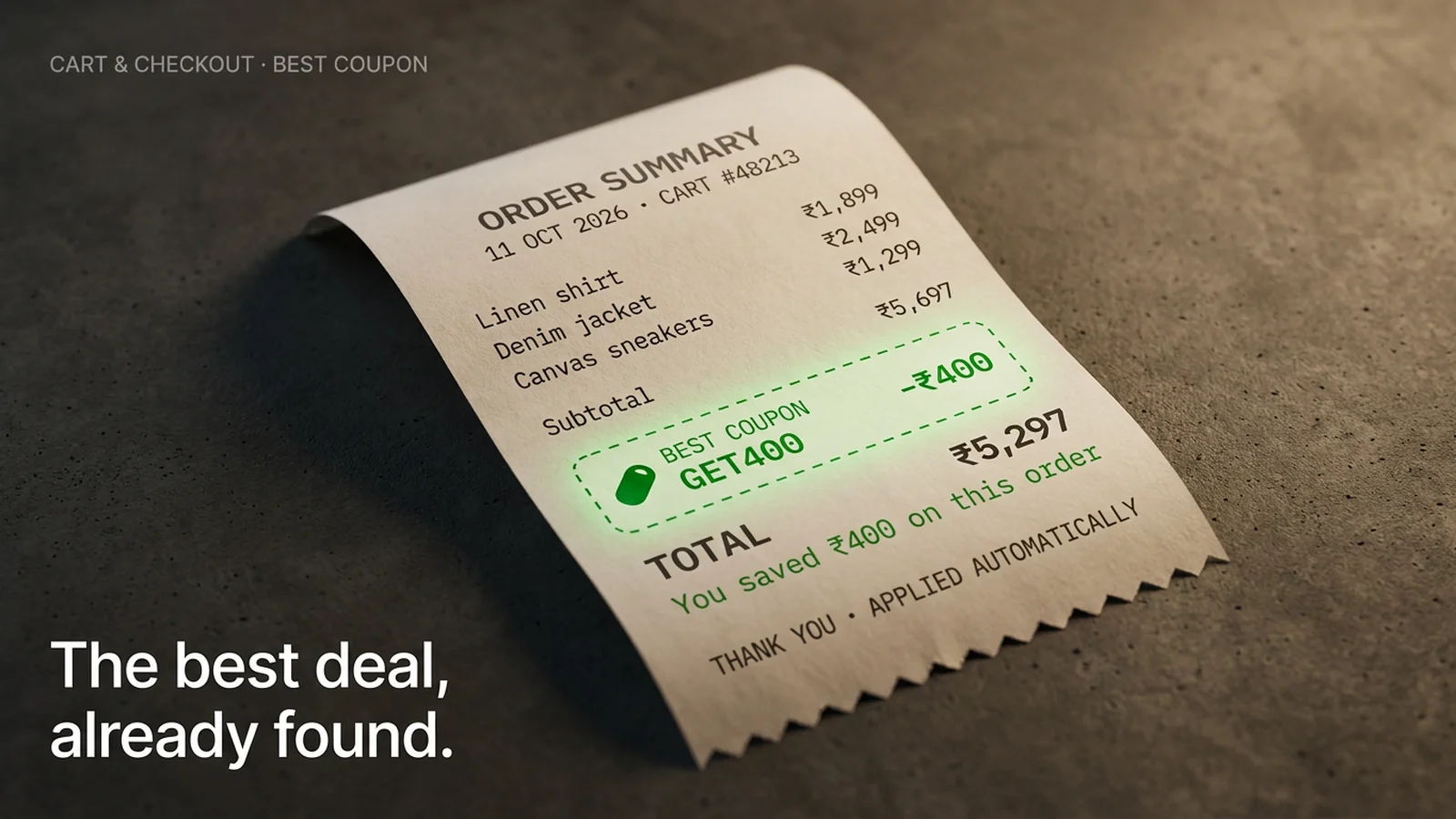
The wrong “best” coupon
One render crowned GET400 while a ₹500 coupon sat right behind it. Re-rendered so the best code in the pile, GET600, is the one on top.
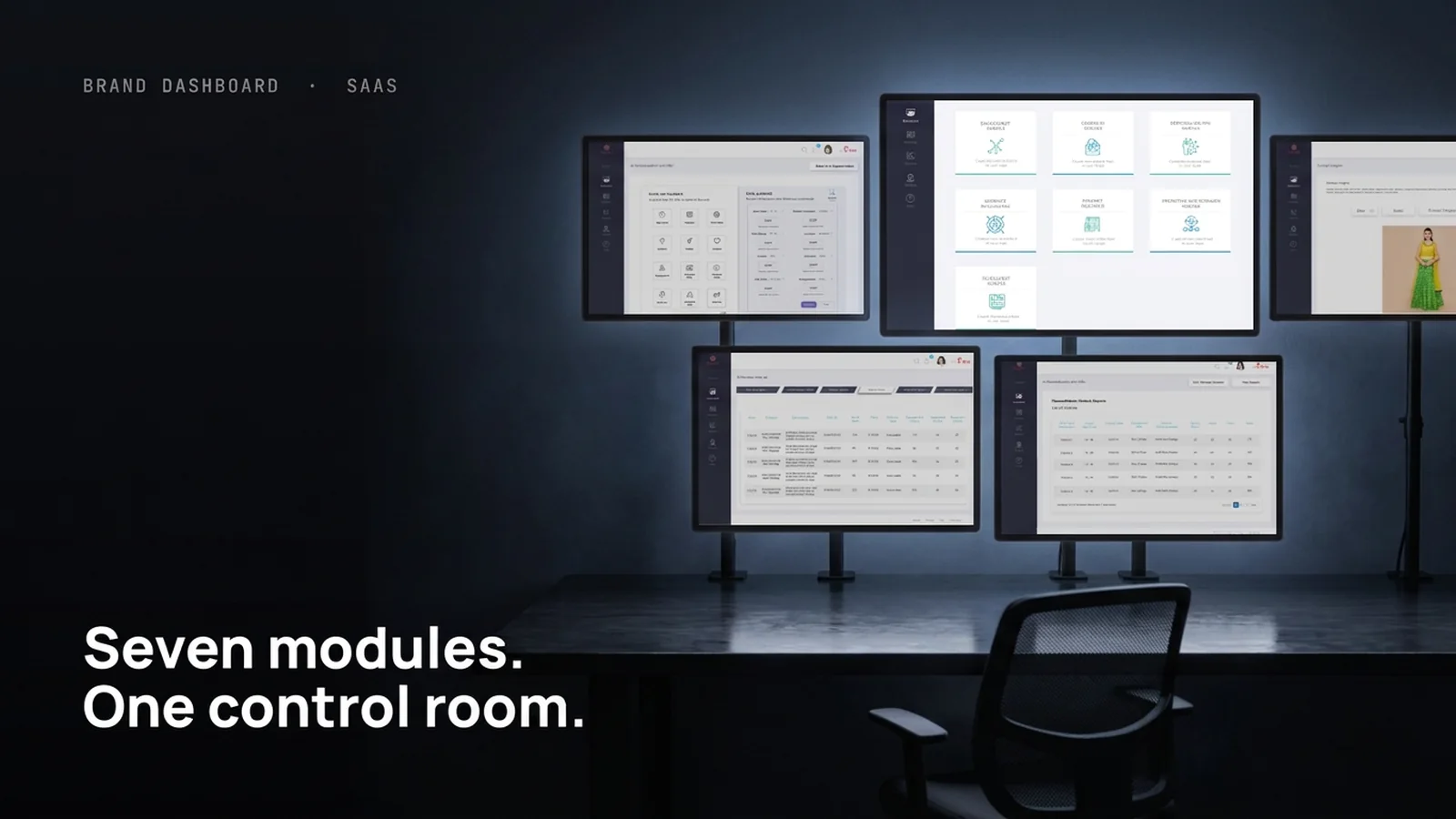
A miscount
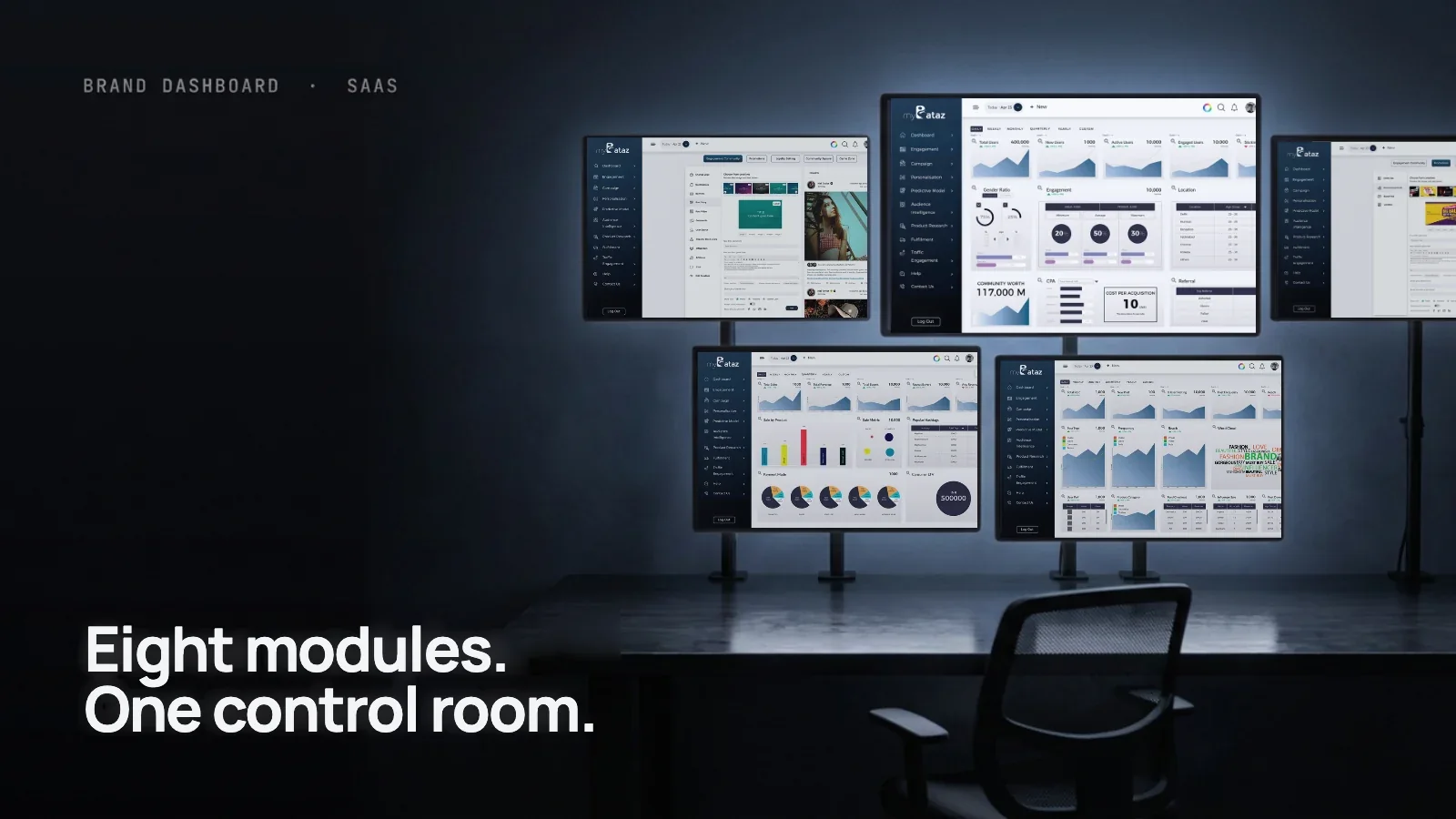
A generated cover said “Seven modules”; the product has eight. The line was redrawn in the site's font, and the real V3 screens put on the monitors.
Filler where it didn't belong
Blurred backdrops to stretch covers into new sizes. Rejected; the scenes were re-rendered at the right size.
Smooth on desktop, stutter on phones
Animated images stuttered on mobile. Switched to video with posters, and lighter effects on touch screens.
AI draft, then the fixed version


/ What I learned
AI didn't replace the design work. It carried it all the way to production. The person who decided how it should look also decided how it shipped, and checked that it did.

Discovery
Checkout
Post-order
Conversion
Conversational UI
Behavioural design
Systems design
Design systems
0→1
B2B
Personalisation
Payments
Interaction design
Product thinking
Growth